 USA
USA UK
UK Australia
 UAE
UAE Canada
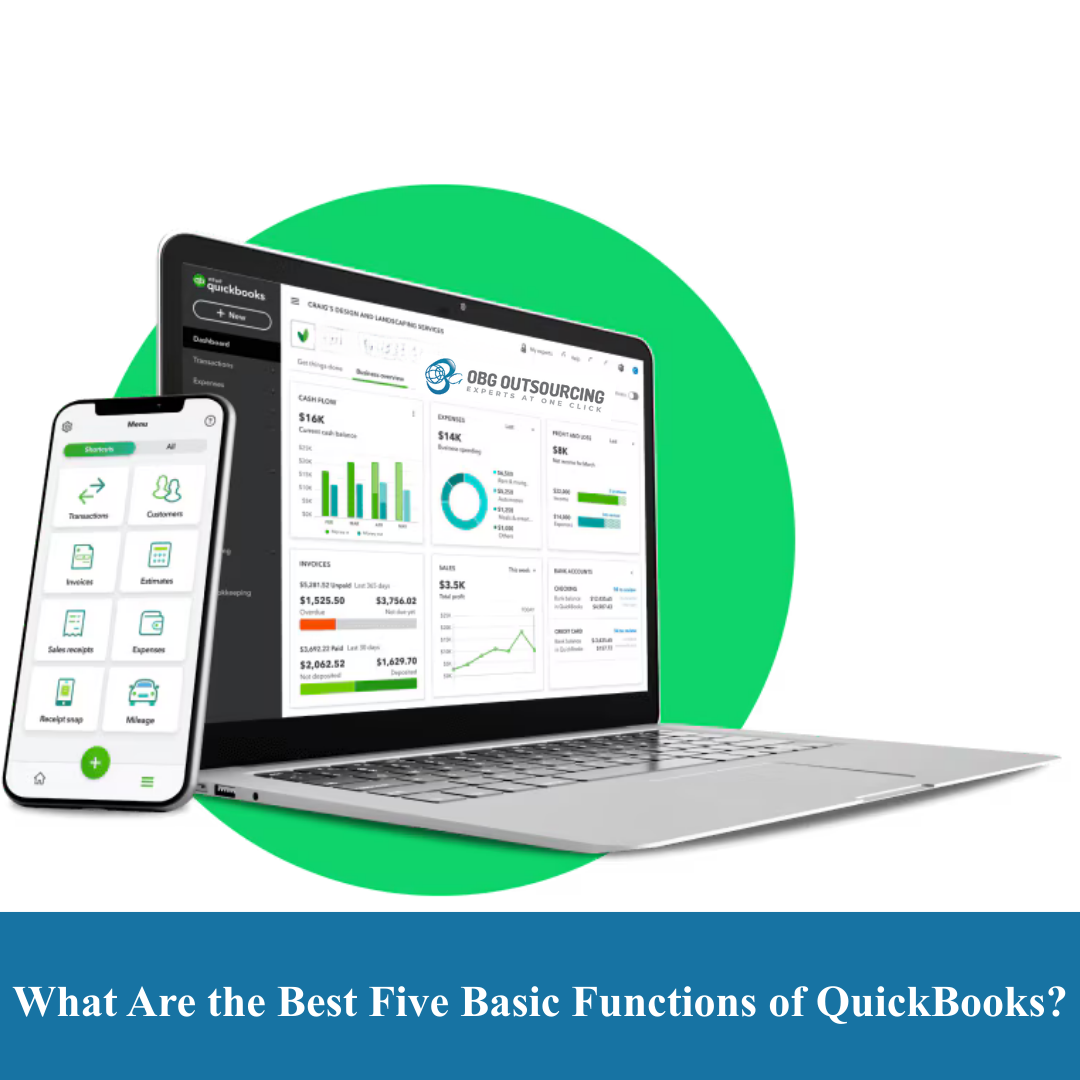
QuickBooks is one of the most widely used accounting software solutions for small and medium-sized businesses. Many business owners ask a simple question before adopting it:
What are the best five basic functions of QuickBooks?
Understanding these core functions helps businesses use QuickBooks effectively, avoid accounting errors, and make better financial decisions. This guide explains the five essential functions of QuickBooks that form the foundation of everyday accounting.
1. Income and Invoice Management
One of the most important functions of QuickBooks is tracking income and creating invoices.
QuickBooks allows businesses to:
Create professional invoices
Record sales receipts
Track customer payments
Monitor outstanding receivables
Apply discounts and sales tax
This function ensures that all revenue is recorded accurately and customers are billed on time.
2. Expense Tracking and Categorization
Expense tracking is a core accounting requirement, and QuickBooks makes it simple.
With this function, businesses can:
Record and categorize expenses
Connect bank accounts and credit cards
Upload receipts and bills
Track vendor payments
Monitor operating costs
Proper expense categorization helps businesses control costs and prepare accurate tax returns.
3. Bank and Credit Card Reconciliation
Bank reconciliation is one of the most critical accounting functions in QuickBooks.
This function allows users to:
Match transactions with bank statements
Identify missing or duplicate entries
Ensure accurate cash balances
Detect errors or unauthorized transactions
Regular reconciliation ensures the books reflect actual bank activity and remain reliable.
4. Financial Reporting
QuickBooks provides built-in financial reports that help business owners understand performance.
Key reports include:
Profit and Loss statement
Balance Sheet
Cash Flow statement
Expense and income summaries
These reports help owners track profitability, manage cash flow, and make informed decisions.
5. Tax Preparation and Compliance Support
QuickBooks supports basic tax-related tracking that simplifies compliance.
This function helps businesses:
Track sales tax or VAT
Record deductible expenses
Organize tax-ready financial data
Generate reports for accountants or CPAs
While QuickBooks does not replace a tax professional, it makes tax preparation far easier and more accurate.
Why These Five Functions Matter for Small Businesses
Together, these five basic functions of QuickBooks:
Create a complete accounting system
Reduce manual data entry
Improve financial accuracy
Support compliance and reporting
Save time and operational costs
They form the backbone of daily bookkeeping and financial management.
Who Should Use QuickBooks Basic Functions?
QuickBooks is ideal for:
Small and medium-sized businesses
Freelancers and consultants
Startups
Retail and service businesses
E-commerce sellers
Even businesses with basic accounting needs benefit from these core features
Common Mistakes When Using QuickBooks
Many businesses underutilize QuickBooks due to:
Incorrect expense categorization
Skipping monthly reconciliations
Not reviewing financial reports
Mixing personal and business transactions
Lack of professional review
Using the basic functions correctly avoids these issues.
How Accounting Professionals Add Value to QuickBooks Users
Professional accountants help businesses:
Set up QuickBooks correctly
Design an accurate chart of accounts
Review reconciliations
Prepare tax-ready books
Generate meaningful management reports
Software works best when combined with expert oversight.
Final Thoughts
So, what are the best five basic functions of QuickBooks?
They are income tracking, expense management, bank reconciliation, financial reporting, and tax support.
Mastering these core functions helps businesses maintain clean books, stay compliant, and gain clear financial insights.
Need Help Setting Up or Reviewing QuickBooks?
If you want to ensure QuickBooks is set up correctly and used efficiently, professional accounting support can save time, prevent errors, and improve reporting accuracy.
_(6).jpg)


1.png)
_(5).jpg)
.jpg)
_(4).jpg)
_(1).jpg)
_(2).jpg)
.png)